

01
The Workflow Everyone Wants
Natural-language scene descriptions become moving shots - the same creative loop the official previews demonstrated, available here today.
Generate videos in the Meta AI style with the Muse Video model. Text to video and image to video, rendered in minutes - no waitlist, no region lock.
Watch clips created on this platform and reuse any prompt with one click.
Natural-language scene descriptions become moving shots - the same creative loop the official previews demonstrated, available here today.
There is nothing to apply for and nothing to wait on. Sign in with Google and your first video renders within minutes.
Upload a product shot, portrait, or landscape and animate it - ideal for listings, posts, and pitch decks.

Regional rollouts skip entire continents. This workspace works wherever you and your team are, today.
Every render shows its credit cost upfront. No unpublished daily caps, no guessing when you will hit a wall.
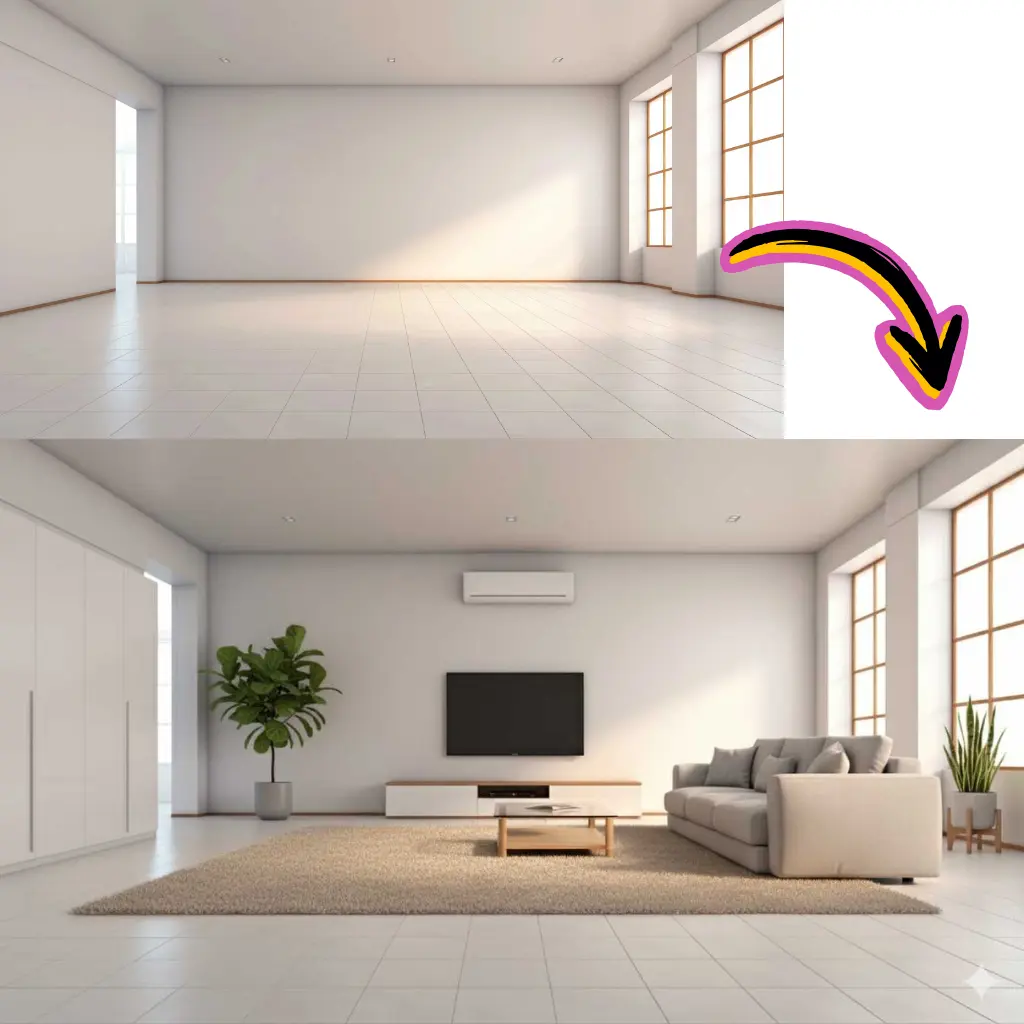
Design the perfect frame with the image generator, then animate it - both tools share one credit balance.
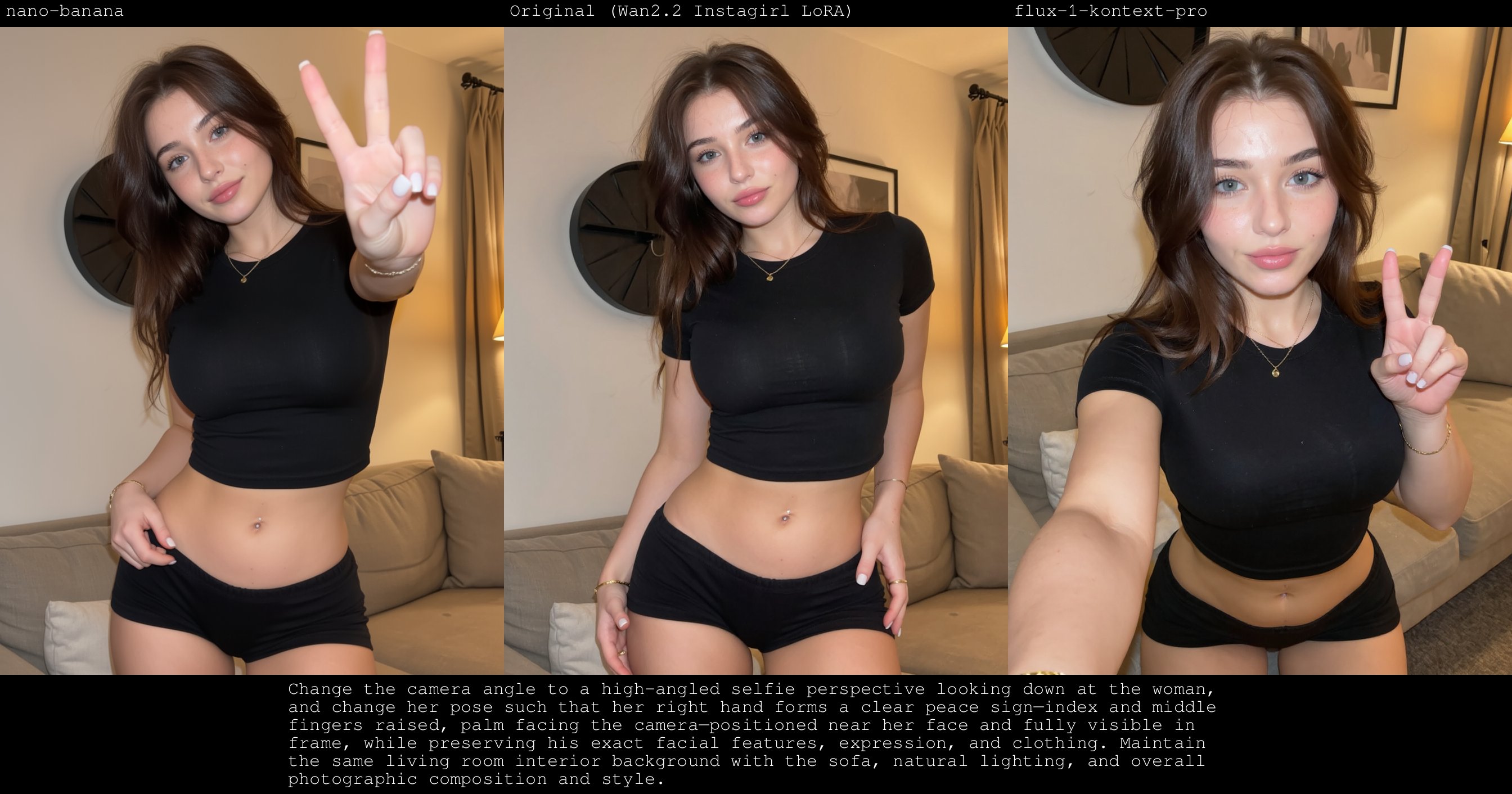
Describe the subject, the action, and the camera move - or switch to image-to-video and upload your starting frame.
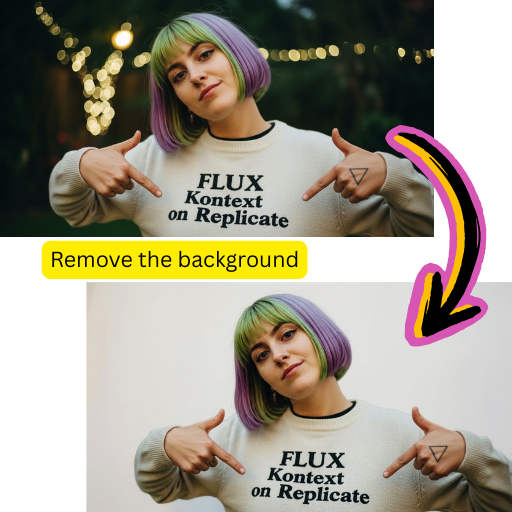
6 or 10 seconds, 480p or 720p, vertical or widescreen. The exact credit cost appears before you generate.
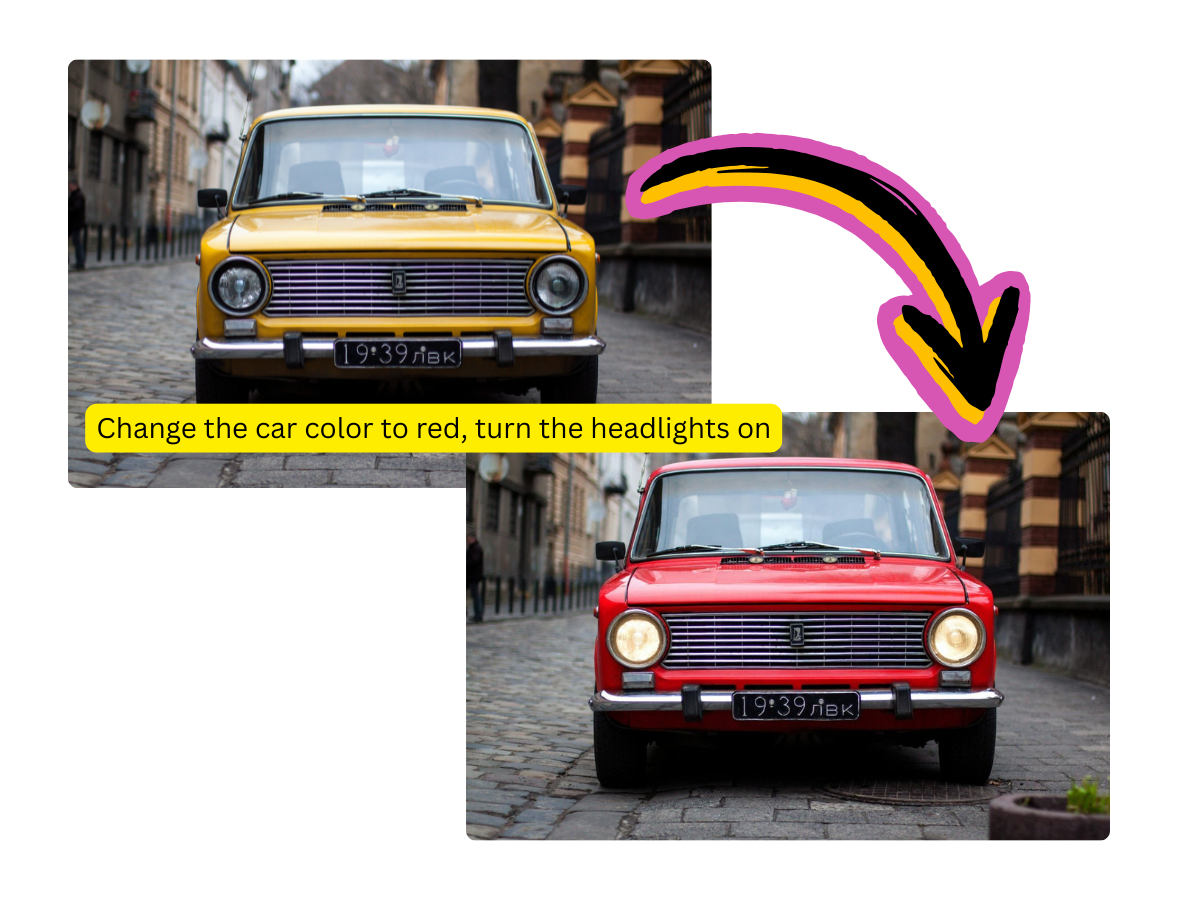
Clips finish in 1-5 minutes and wait in your dashboard. Download as MP4 or iterate with a refined prompt.
Written scenes become moving shots with coherent motion and framing.
Animate any photo while keeping its subject, style, and detail intact.
9:16 for Reels and Shorts, 16:9 for YouTube, square for feeds.
Minutes per render means you can try multiple takes and keep the best one.
Paid plans download clean MP4s with commercial rights included.
Compare results with Kling, Veo, Seedance, and others in the same selector.
Countries Served
150+
No region restrictions
Render Time
1-5 min
Typical for a short clip
Starting Cost
50
Credits per 6s video
Free Credits
55
For every new account
No. Muse AI Image is an independent platform, not affiliated with, endorsed by, or sponsored by Meta Platforms, Inc. We provide a browser-based way to create videos in the same modern style using the Muse Video model - open to everyone, with no preview program.
Yes. New accounts get 55 free credits and a 6-second 480p clip costs 50 credits, so your first video is free. Plans start at $9.98 per month, or buy a one-time credit pack from $4.98.
Short clips from text descriptions or photos: product animations, social posts, mood shots, storyboard frames, and pitch visuals. Clips are 6 or 10 seconds at 480p or 720p.
You can use it today, in any country, with transparent per-clip pricing and watermark-free paid downloads. When you need motion content this week, availability beats a preview announcement.
Yes. Switch to image-to-video, upload a photo, and optionally describe the motion you want. Only upload images you have the right to use.
Typically 1 to 5 minutes. Renders continue if you close the page, and results wait in your dashboard.
Yes. Paid plans include commercial usage rights, so the clips are ready for ads, listings, and client projects.
Yes. Generate a frame with the Meta AI style image generator on this site, then animate it in one click - both tools share the same credits.